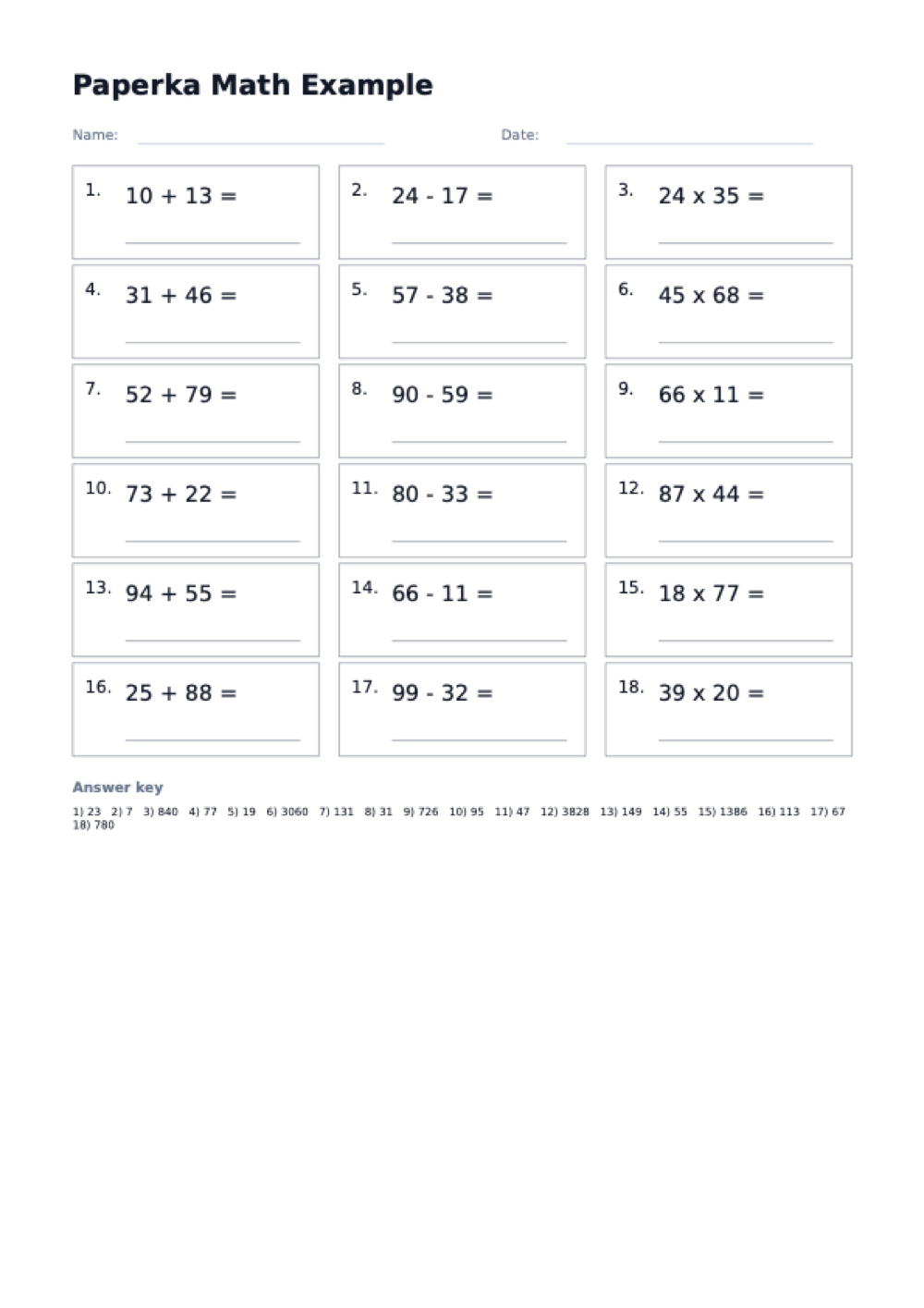
Can I generate an answer key?
Yes. Turn on the answer key option and the PDF adds a solutions section below the problems on each worksheet page. For a teacher-only copy, download once with the key enabled and then disable it before producing learner copies.
Are the problems different every time I download?
No. Each problem is derived from its own position on the page rather than drawn at random, so the same settings always produce the same sheet. Raising the problem count adds problems at the end and leaves the earlier ones as they were. To give two learners genuinely different pages, change the difficulty, which changes the size of every number, or switch to the mixed set, which also changes the operators.
Can I mix addition, subtraction, and multiplication on one page?
Choose the mixed operation and the generator alternates between all three operations on the same sheet. If you want a single skill instead, pick addition, subtraction, or multiplication on its own.
How many problems fit on one page?
You control it directly: set anywhere from 6 to 60 problems and 1 to 3 columns. Fewer problems in one column leave large writing space for young students, while 60 problems in three columns make a dense timed drill.
What do the difficulty levels actually change?
Difficulty sets the number size: easy uses 1-digit numbers, medium 2-digit, and hard 3-digit. It applies to whichever operation you choose, so you can have easy multiplication or hard subtraction.
Is this worksheet generator free to use?
Yes, completely free with no signup and no watermark on the PDF. Your settings are encoded in the page URL, so you can bookmark a configuration and regenerate the same style of worksheet any time.