How many students can I place on one chart?
The grid supports 3–7 rows and 3–8 columns, for a maximum of 56 visible seats. The name parser accepts up to 64 entries so any students beyond the selected capacity can be reported instead of silently discarded.
What happens when there are more students than desks?
The preview shows a warning with the exact number and names that do not fit. Those names are not printed in hidden or overlapping boxes; increase rows or columns until the warning disappears.
Are duplicate student names removed?
No. Duplicate names are preserved because a class can legitimately contain learners with the same first or full name. Add an initial or another school-approved identifier if staff need to distinguish them.
Is the random arrangement truly repeatable?
Yes. The shuffle is deterministic. The same ordered student list, grid size, random option, and variation number generate the same seat assignments; New random arrangement creates another seed.
What is the difference between rows, pairs, and groups of four?
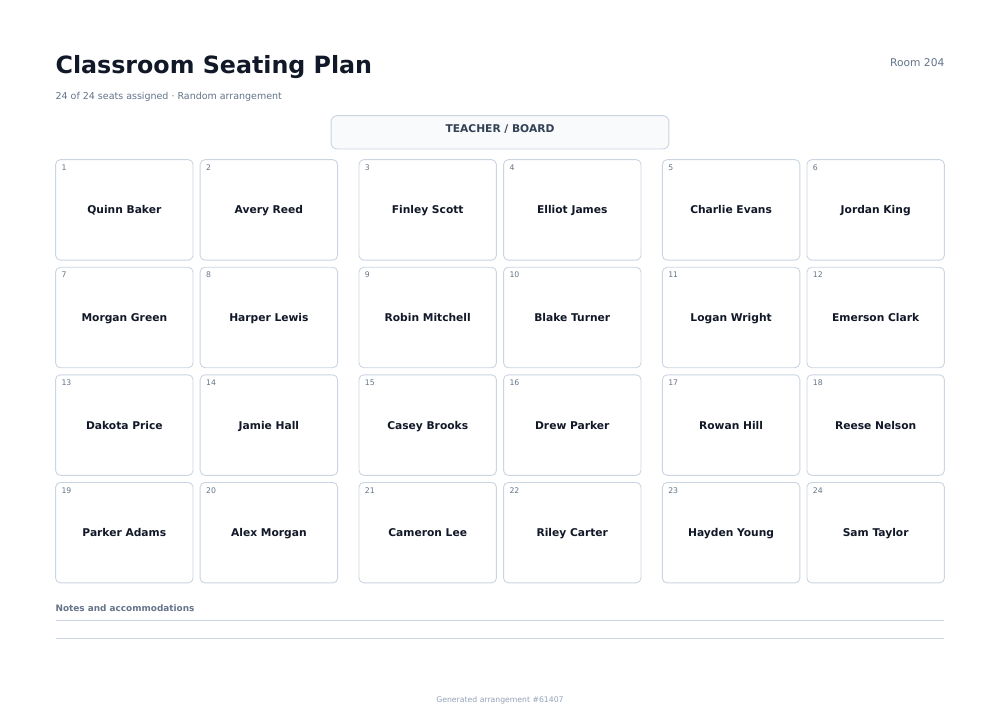
All three use the same seat capacity. Pairs add a visual break after every two columns, while groups of four also add a break after every two rows, making table teams easier to recognize.
Can I leave empty desks in the chart?
Yes. When capacity exceeds the roster, open desks remain labeled and visible. This helps the paper diagram match a room with spare furniture and gives you clear positions for later enrollment changes.
Should I place accommodations in the notes area?
Only include information appropriate for the chart's audience and your school's privacy policy. A public classroom copy should not contain diagnoses, grades, or confidential support details.
Is the seating chart free and watermarked?
The tool is free, requires no account, and adds no watermark. It exports a one-page Letter or A4 PDF in portrait or landscape orientation with the selected font, color, margins, and desk layout.