I T R G EStarts with T
Back to tools
Spelling and vocabulary
Create a printable word scramble worksheet
Turn a vocabulary list into a focused unscramble-the-words activity. Start with a prepared theme or add your own terms, choose how much help learners receive, then download a clean worksheet and matching answer key.
PDF + answersYour words, remixed
Exact worksheet preview
Your scramble worksheet
Name:Date:
Rearrange the letters to make a word. Write one answer on each line.
A I B R B TStarts with R
H D O L P N IStarts with D
G E I P U N NStarts with P
E T U R L TStarts with T
N K E M Y OStarts with M
E A I F R G FStarts with G
L P E H N E A TStarts with E
D O P E L R AStarts with L
S A R H T E MStarts with H
P T C O S U OStarts with O
T B Y U E F R L TStarts with B
Actual output
See the generated worksheet and answers
This unedited A4 example contains 12 travel words at Medium difficulty. Each row prints a scrambled form, a first-letter hint, and a writing line; the second PDF page pairs every anagram with its answer.
Open the complete example PDF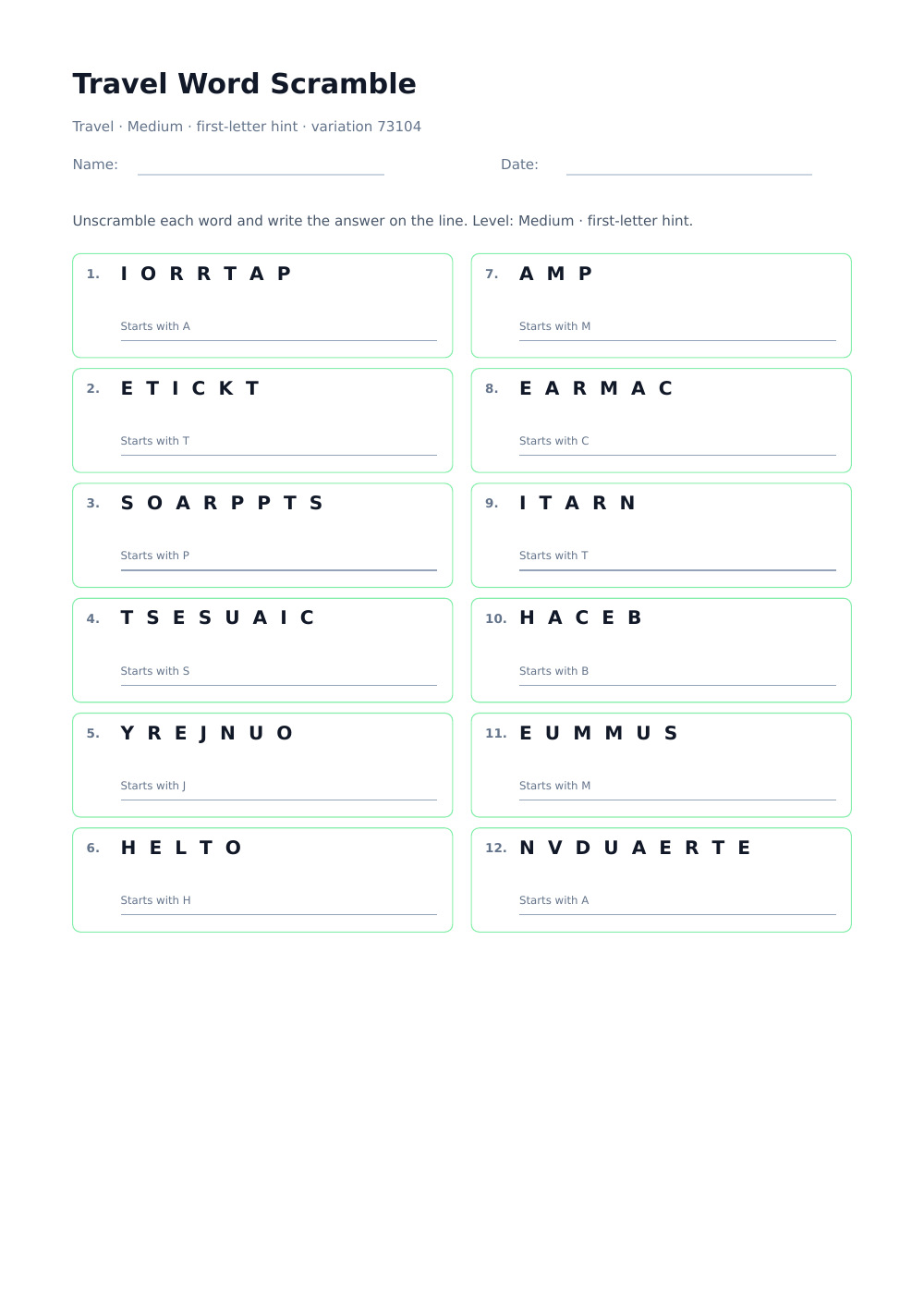
What does this word scramble generator create?
It converts a prepared theme or your own vocabulary into deterministic anagrams, provides a writing line for every answer, and builds a matching solution page. The generator keeps every original letter, supports Unicode words, and avoids unchanged scrambles whenever a different arrangement is possible.
How should I prepare a printable scramble?
Use 8–15 words from one clear topic and mix shorter confidence-builders with a few longer challenges. Three- to twelve-letter words are easiest to read on paper; the generator accepts up to 18 entries and reports anything outside its supported limits.
What skills can word scrambles practise?
Word scrambles support spelling recall, letter-pattern recognition, vocabulary retrieval, morphology, and careful checking. They work well as lesson warm-ups, early-finisher tasks, language-learning review, homework, travel activities, party games, and screen-free family puzzles.
Rules of the activity
How to solve a word scramble
Every row contains all the letters of one answer in a different order. The goal is to rebuild the original word without adding, removing, or repeating a letter.
1. Count and inspect the letters
Notice the word length, repeated letters, vowels, and familiar endings before writing. Every printed letter must appear exactly once in the answer.
2. Use the available support
On easy and medium worksheets, the first-letter hint narrows the possibilities. A ready-made theme also tells you which vocabulary group the answer belongs to.
3. Test a complete word
Rearrange the letters into a word that fits the topic, then compare both strings carefully. A plausible word is not correct if one letter is missing or extra.
4. Check or discuss answers
Finish when every line has one verified word. Use the answer page for independent checking or keep it separate for a classroom or group challenge.
A useful vocabulary task
Build a scramble that teaches more than guessing.
A strong worksheet balances readable letter patterns, meaningful vocabulary, and an appropriate amount of support. The same list can become a quick warm-up or a demanding retrieval exercise.
Keep one meaningful theme
Words from one lesson, book, unit, or spelling pattern give learners a useful semantic clue. Random unrelated words increase guessing without reinforcing a coherent vocabulary set.
Mix word lengths deliberately
Begin with several short or familiar words, then add longer terms. A sheet made entirely of long words can become slow visual decoding rather than productive spelling practice.
Choose difficulty by support
Easy preserves the first letter. Medium moves every letter but prints the first letter below the row. Hard removes that clue and changes the order of the list.
Ask for meaning after spelling
After unscrambling, ask learners to define the word, use it in a sentence, translate it, sort it into a category, or mark a prefix and suffix.
Use a fresh variation for retrieval
A new variation keeps the vocabulary but changes the visible letter order. This makes a practical second attempt without requiring a completely new worksheet.
Separate practice from checking
Give learners only the puzzle page and retain the answer key. For self-study, print both pages and fold or cover the answers until the first attempt is complete.
FAQ
Word scramble generator FAQ
Will every scramble contain exactly the original letters?
Yes. The service only reorders the normalized letters; it never adds or removes one. The answer page is built from the same stored entry as the puzzle row.
Why was one of my entries skipped?
After spaces and punctuation are removed, an entry must contain 3–20 letters. The worksheet accepts up to 18 unique words so every row remains legible on one printable page.
Can I use phrases, hyphens, or apostrophes?
Yes, but only letters are placed in the scramble. For example, “solar system” becomes SOLARSYSTEM and “mother-in-law” becomes MOTHERINLAW.
Can the scrambled result accidentally equal the answer?
The generator retries different arrangements and uses a fallback rotation. It stays unchanged only when the movable letters are all identical and no different spelling order exists.
What does the variation number do?
It identifies the deterministic shuffle. Keep the same words, difficulty, and variation number to reproduce the same worksheet; choose New scramble for another arrangement.
Is the worksheet free and does it include answers?
The generator is free, requires no account, and adds no watermark. The optional answer key follows the puzzle in the same Letter- or A4-sized PDF.